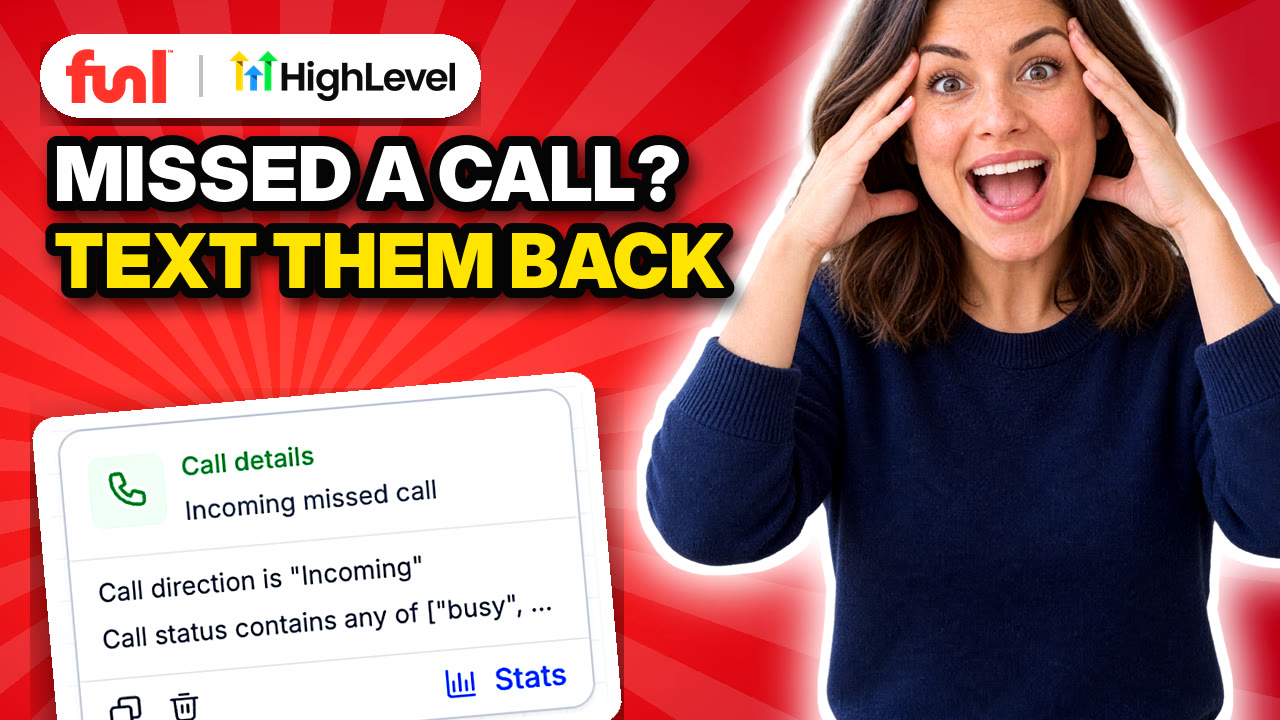
Someone calls, nobody picks up, and they don't leave a voicemail. They call the next business on Google instead. Missed call text back fixes that by texting the caller from your business number a few seconds after the call drops.
Quick answer: In GoHighLevel, go to Automation > Workflows > Create Workflow, add a Call Details trigger filtered to incoming calls with a status of busy, voicemail or no answer, then add a Send SMS action. Publish the workflow. That's the minimum. The steps below add tagging, a pipeline card and a team alert so somebody actually calls the person back.
What do you need before you start?
Two things. A phone number inside your account, and approved A2P texting registration. Without A2P, carriers block the texts and the workflow looks like it ran when nothing arrived. If you're missing either one, start with getting a business phone number and registering for A2P.
Should you use the settings toggle or a workflow?
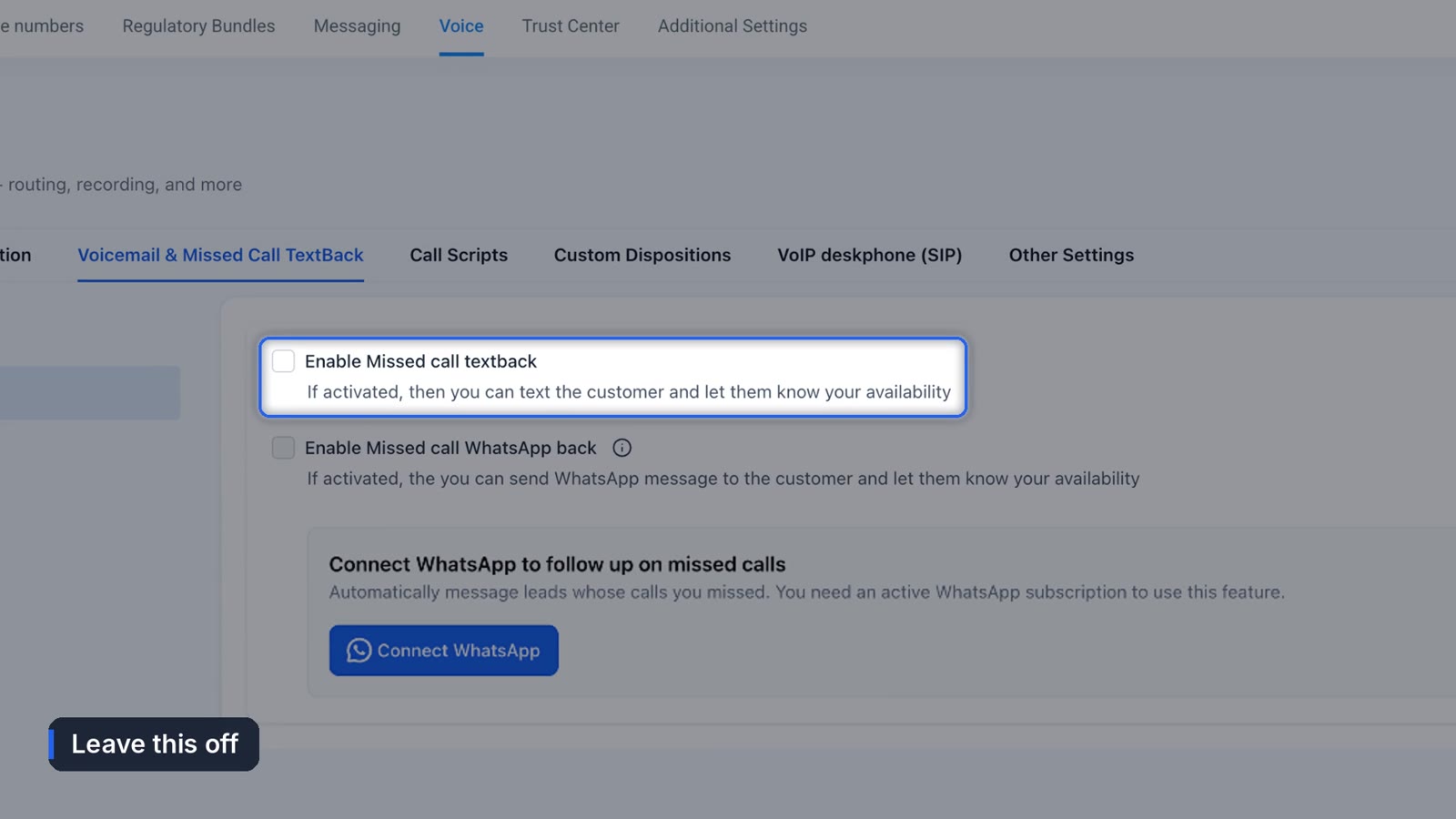
There's a checkbox for this. In Funl it's under Settings > Phone System > Voice > Missed Call Text Back. Tick it, write a message, and every missed caller gets a text.
It works. It's also all it does. Your regular customers get the same text as strangers, nobody lands in your pipeline, and your team never hears that the call happened.
Leave that box unticked if you build the workflow. Turn on both and every caller gets two texts.
How do you set up missed call text back in GoHighLevel with a workflow?
1. Create the workflow
Go to Automation > Workflows and click Create Workflow, then Start from scratch. Name it something you'll recognize in six months, like "Missed call text back."
2. Add the trigger
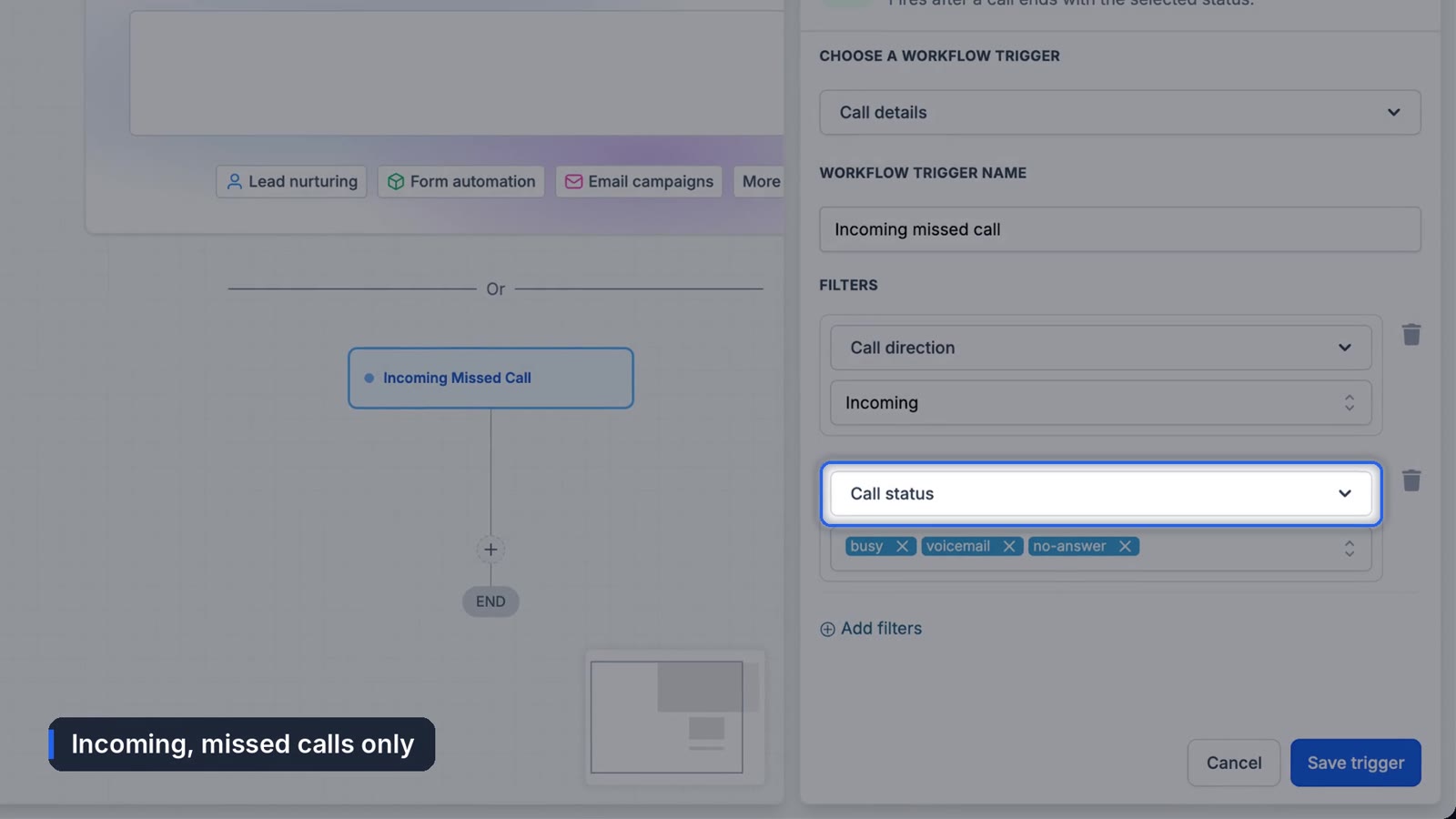
Click Add New Trigger, search for "call," and choose Call Details. Add two filters:
- Call direction is incoming
- Call status is busy, voicemail or no answer
Those three statuses cover every call nobody picked up. Save the trigger.
3. Text the caller
Click the plus under the trigger and pick Send SMS. Write it the way you'd text a customer from your own phone. Ours reads:
Hi, it's {{location.name}} here. Sorry we missed your call. What can we help you with? You can also book a time here: {{custom_values.booking_link}}The curly bracket bits are custom values. If your booking link changes, you update it once and every message picks it up.
At this point you've rebuilt the checkbox. Everything after this is the reason to bother.
4. Skip people you already know
Add an If/Else step and call the branch "Known lead." Set the condition to Tags includes your new lead tag, switch AND to OR, and add your customer tag as a second condition. A returning customer shouldn't show up on your board as a brand new lead. This branch jumps straight to the alert in step 7.
5. Tag new callers
On the "None" branch, add an Add Tag action with three tags:
source missed callso you can count how many leads came from missed callslead newto mark them as a leadnurture stopso other follow-up sequences don't pile on while you're calling back
6. Add them to your pipeline
Add Create/Update Opportunity, choose your sales pipeline and the New Lead stage. Every missed caller becomes a card. If they already have an open card, it won't make a second one. If you don't have a pipeline yet, here's how to set up a sales pipeline.
7. Alert your team
Add Internal Notification, choose SMS, and send yourself the caller's name and number with a note that they've already been texted. Save the alert number as a custom value too.
Then go back to the Known lead branch, add a Go To step, and point it at the alert. Now you hear about every missed call, new or not.
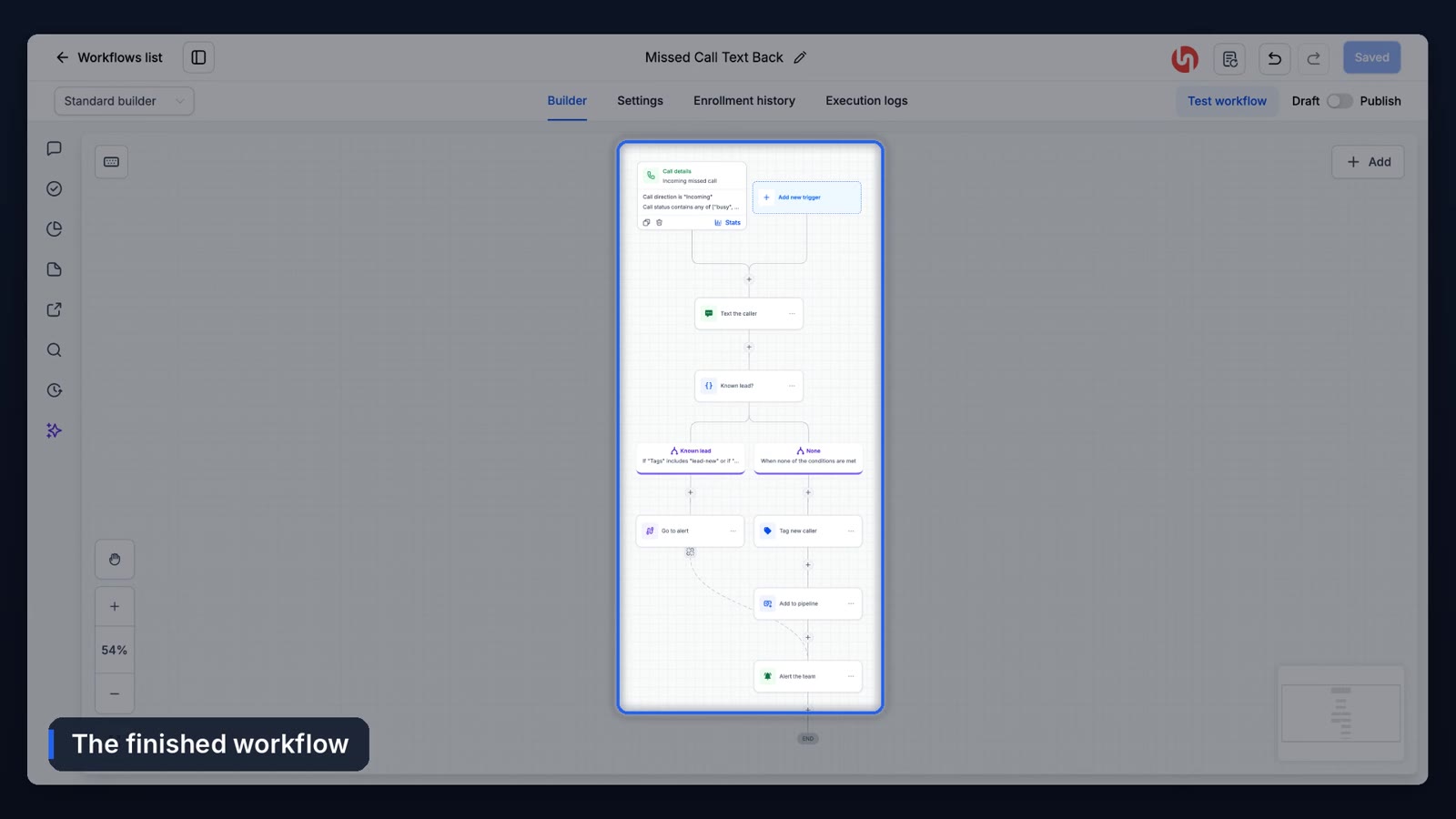
8. Publish and test
Click Save, then flip the switch from Draft to Publish. A draft workflow does nothing, and it's the most common reason this "doesn't work."
Call your business number from your cell and let it ring out. Within a few seconds you should have the text. Check that the contact has all three tags, their card is in New Lead, and your alert arrived. If something's missing, open the workflow's Execution Logs. You'll see which step stopped.
What should the missed call text say?
Short, from a person, and ending in a question. "Sorry we missed you, what can we help with?" gets replies. A paragraph about your company's commitment to service doesn't. Put the booking link last so the people who'd rather not text can still book.
Where this doesn't help
Spam calls trigger it too. If your number gets a lot of robocalls, you'll be texting some of them back. There isn't a clean spam filter inside the workflow itself. Marking known spam numbers as Do Not Disturb as they show up keeps them out, but it's manual and it never really ends.
The next step up is having the phone answered in the first place. Our guide to setting up Voice AI as an AI receptionist covers that, and the business case for missed call text back covers why it matters if you're still deciding.
Frequently asked questions
Why didn't my missed call text back send?
The three usual causes are a workflow still in Draft, A2P texting registration that isn't approved, or the call status filter missing one of busy, voicemail or no answer. The workflow's Execution Logs will show which.
Can I use missed call text back without a workflow?
Yes. The checkbox under your phone system's voice settings sends a single text to every missed caller. It won't tag them, add them to your pipeline or notify your team.
Will callers get two texts?
Only if both the settings checkbox and the workflow are on. Pick one.
Does it work with a forwarded number?
It works on calls that reach your GoHighLevel number. If you forward your existing business line to it, missed forwarded calls trigger the workflow as long as the call isn't answered by another voicemail first.
Funl is built on HighLevel. Links to HighLevel are referral links, so we may earn a commission if you sign up.