A no-show costs more than the hour. You turned down someone else for that slot, maybe drove across town, maybe bought parts. And the person who didn't show usually isn't being rude. They forgot, or something came up and cancelling felt like more effort than not showing.
That second reason is the one most businesses miss.
Quick answer: To reduce no-shows, send an automatic reminder the day before and an hour before, make rescheduling one tap from the reminder itself, follow up with anyone who misses so they rebook, and consider a deposit for long or high-value appointments. Automate all of it so it happens for every booking without anyone remembering to call.
When should appointment reminders go out?
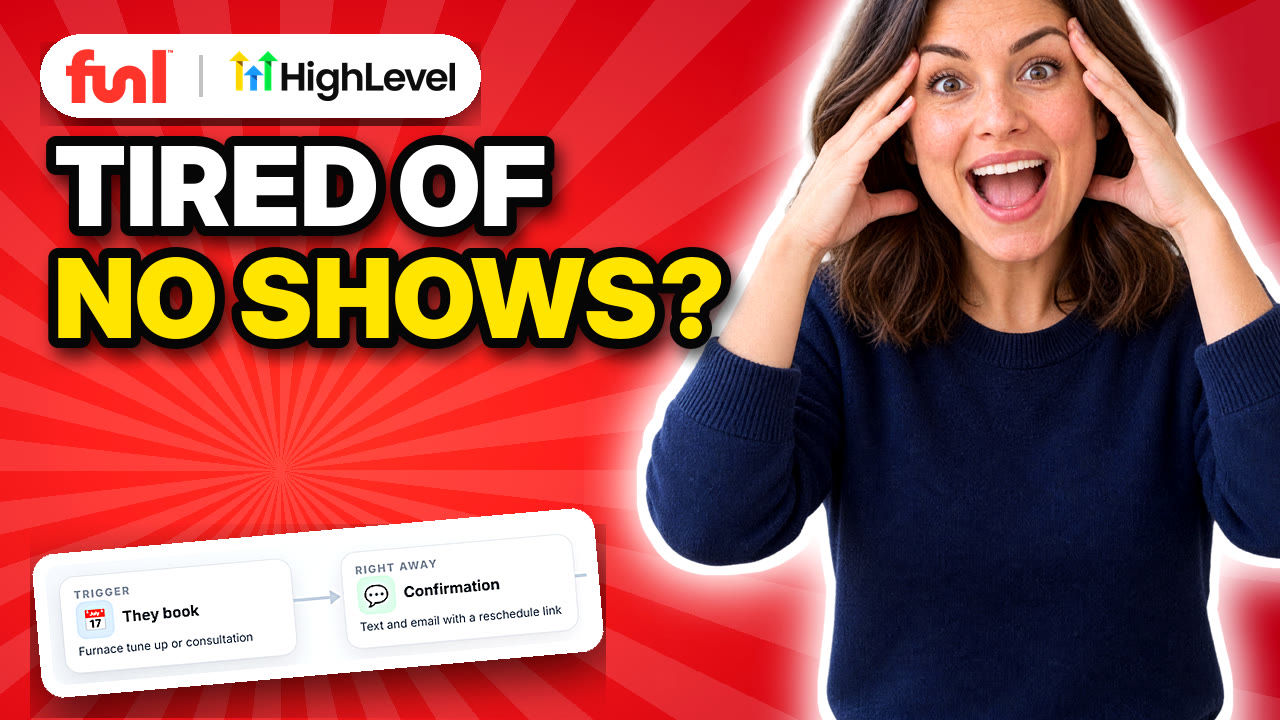
Two reminders cover most businesses. One the day before, so people who can't make it have time to move it and you have time to fill the slot. One about an hour before, so nobody forgets on the day. Text works better than email for the short one, since people actually read texts.
Timing is tied to the appointment, not to when they booked. "Wait one day after booking" is the classic setup mistake. The step by step reminder setup shows the right way.
Why does easy rescheduling cut no-shows?
Because a lot of no-shows are people who would have rescheduled if it were easy. If moving the appointment means calling during business hours and waiting on hold, some of them just won't come. Put a reschedule link in every reminder. You'd rather have a moved appointment than an empty slot.
Should you charge a deposit?
It works. People show up for things they've paid for. It also means some people won't book at all, especially for a first visit or a free estimate. A middle ground is deposits only for long appointments, new customers booking big jobs, or anyone who's no-showed before. Where to draw that line is still an open question, and it's different for a salon than for a contractor.
What do you do after a no-show?
Most businesses do nothing, which means that customer is probably gone. A short, friendly text the same day ("Looks like we missed you today, want to pick another time?") with a booking link brings a lot of them back. No guilt trip. They already feel a bit awkward.
Automate it off the appointment status. When your team marks someone as a no-show, the follow up sends itself. The workflow tutorial explains how status triggers work.
Should reminders come from a person or the system?
From the system, written like a person. "Hi Sarah, reminder you're booked with Harbourline tomorrow at 10. Need to change it? [link]" reads fine and nobody had to type it. Avoid anything that sounds like a pharmacy robot.
What we'd watch first
Your no-show rate before and after. If you don't know it now, that's step one. Count last month's booked appointments and how many didn't show. It's hard to tell whether any of this is working without a starting number.
Frequently asked questions
What is a good no-show rate?
It varies a lot by industry and by how far ahead people book. Track your own rate and aim to bring it down month over month.
Do text reminders reduce no-shows?
Yes. Text reminders are one of the simplest and most effective ways to cut no-shows, especially a day before and an hour before.
Should I include a cancel link in reminders?
Include a reschedule link. A moved appointment is better than a missed one, and it frees the slot for someone else.
How do I follow up after a no-show?
Send a short, friendly text the same day with a link to rebook. Automate it to send whenever an appointment is marked as a no-show.