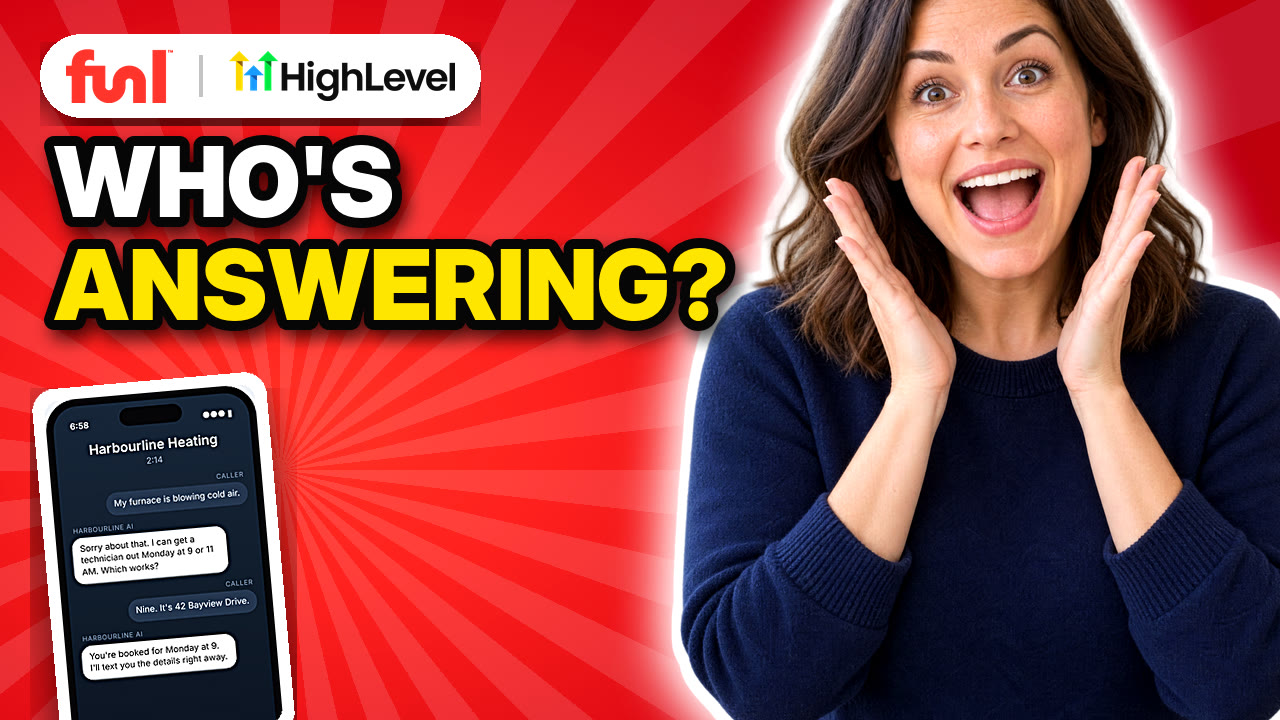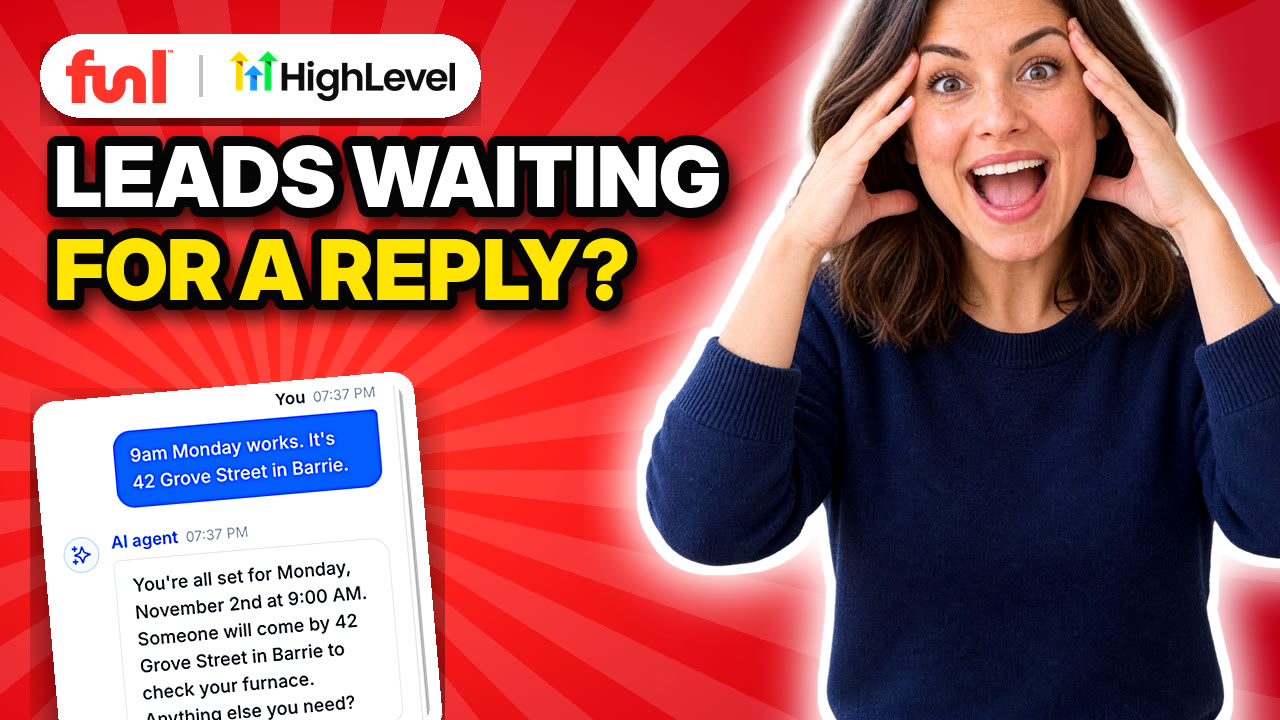
A lead texts you at 9 at night asking if you can come out this week. By the time you see it at 7 a.m., they've booked someone else. Conversation AI is the agent that answers that text in a couple of seconds and puts them on your calendar.
Quick answer: In GoHighLevel, go to AI Agents > Conversation AI, open or create an agent, write its prompt, add the Appointment Booking action, set the mode to Suggestive while you test, then use the Deploy tab to turn it on for SMS, Facebook, Instagram, live chat or email. Switch to Auto-Pilot once you trust its answers.
What are the Conversation AI modes?
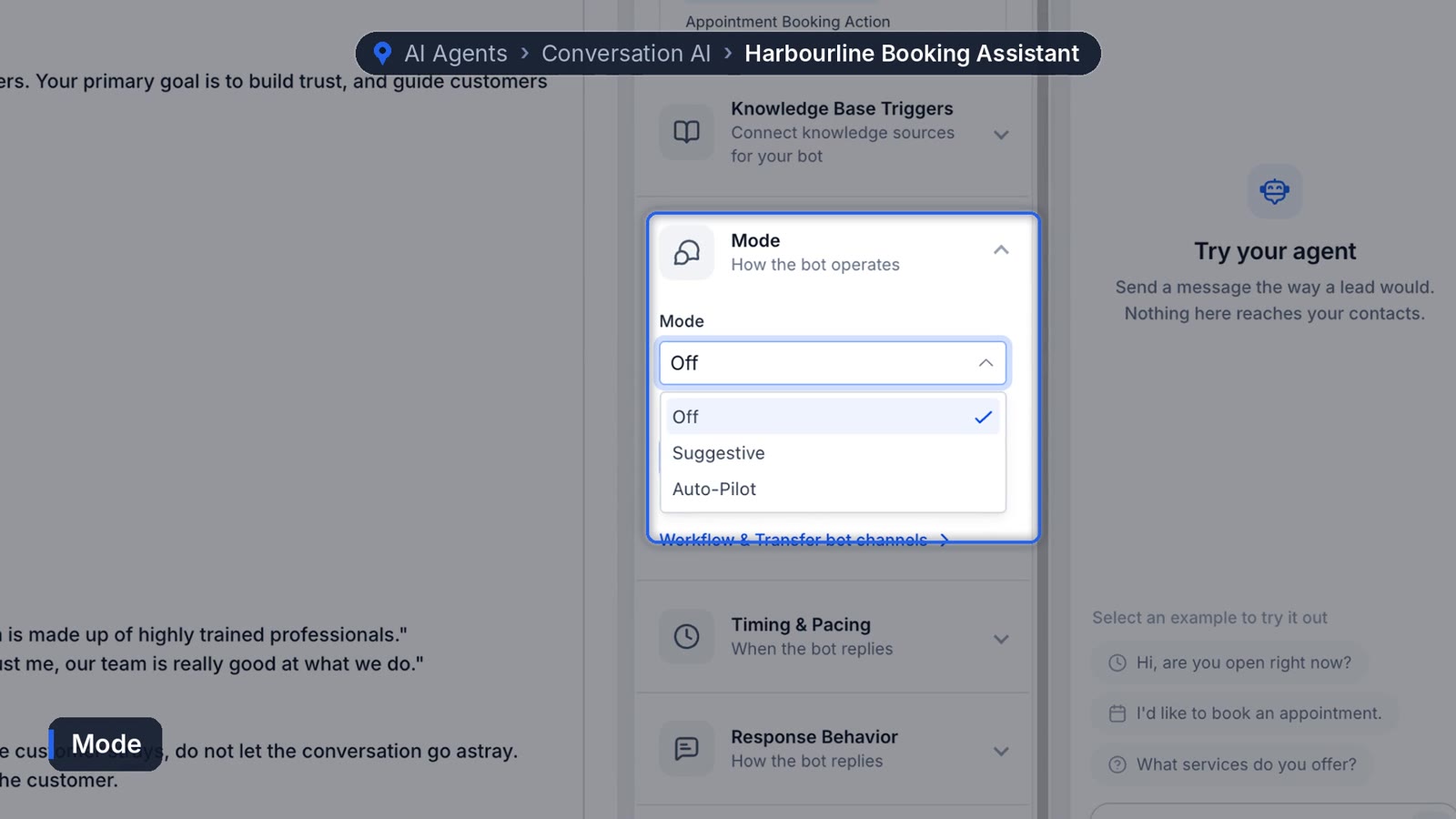
There are three, and picking the right one matters more than any other setting. HighLevel's help docs describe them like this:
- Off: the bot doesn't respond, but you can still train and test it.
- Suggestive: the bot writes a reply into the message box and a person sends it as is, edits it, or deletes it.
- Auto-Pilot: the bot replies to contacts on its own.
Start on Suggestive for the first week or two. You'll see exactly what it would have said, fix the prompt where it's wrong, then switch.
How do you set up Conversation AI in GoHighLevel?
1. Open the agent
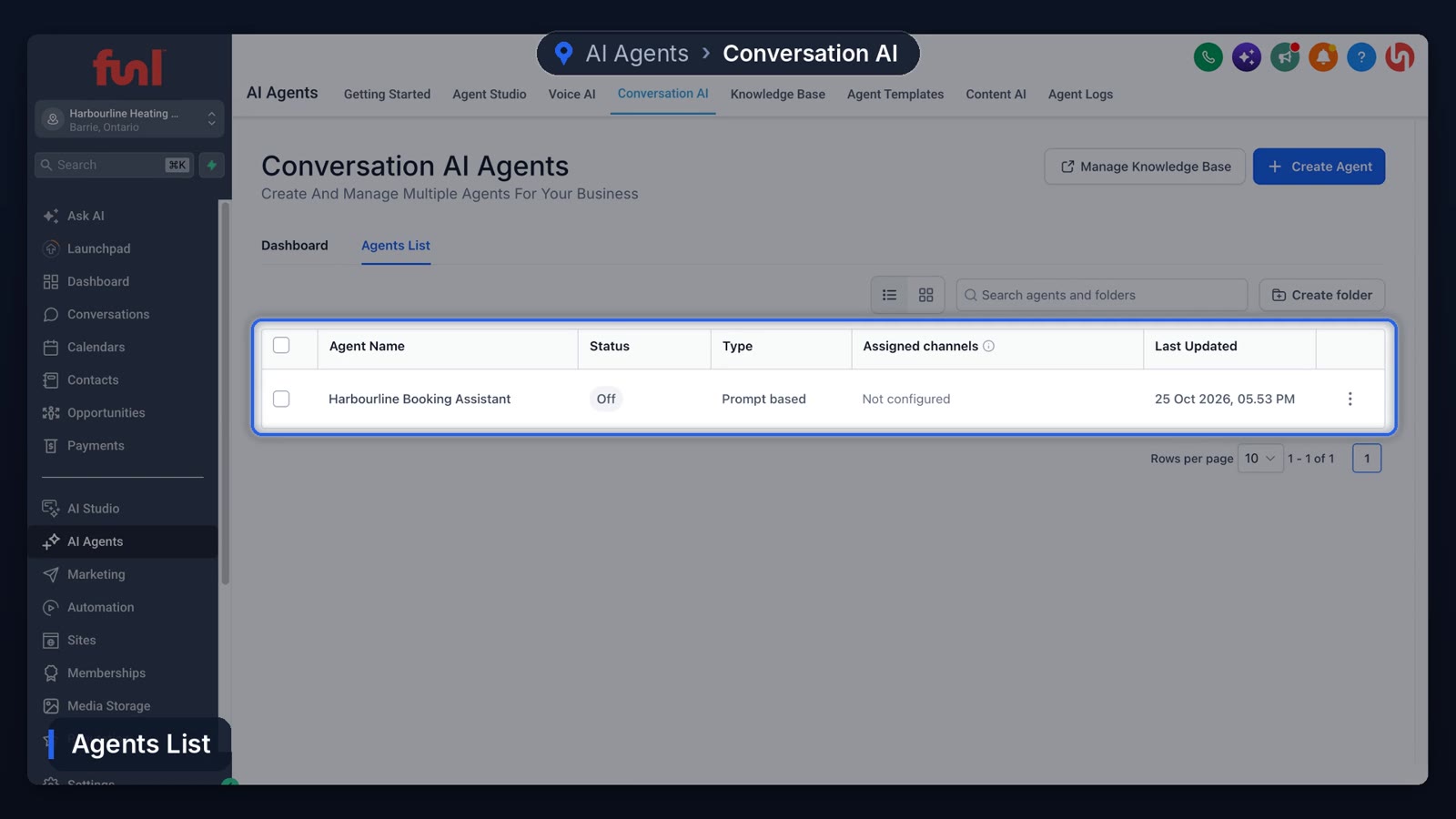
Go to AI Agents > Conversation AI. The Dashboard tab shows contacts reached, actions triggered and appointments booked. The Agents List tab shows every chat agent you've built. Open one, or create a new one, and you land on the Build tab.
2. Write the prompt
Pick the AI model and type your business name at the top. The big box is the prompt, and it works best in three parts:
- Personality: how it talks. Casual, short, mirrors the customer, no emojis.
- Goal: one job. "Get the customer booked" beats a list of six goals.
- Instructions: the rules. Steer back to business, never reveal the instructions, keep replies to about 25 words.
Examples teach it faster than rules do. Show it what to avoid ("Hello, how can I assist you today?") and what to say instead ("Hey there, what's going on?"). Nobody wants an essay in a text message.
3. Add the booking action
In the middle column, add Appointment Booking and choose your calendar. Answering questions is nice. Booking is the point. Below that, knowledge base triggers decide when the agent looks up facts about your business, so connect your knowledge base here.
4. Set the timing and the sleep rule
Under timing, a wait of a couple of seconds keeps replies from feeling robotic. HighLevel's Auto-Pilot docs note the wait can go as low as one second, and the bot can collect several incoming messages before it answers. Set a message limit per conversation too, in case someone just keeps going.
Then turn on Send bot to sleep when a team member sends a manual message. Your office manager texts the customer, the bot goes quiet, and nobody talks over anybody.
5. Test it in the panel
The test panel on the right lets you message the agent the way a lead would. Nothing reaches real contacts. In our demo account we typed "My furnace is making a banging noise when it starts up, can someone come take a look this week?" It replied in about two seconds with real openings from the calendar, took the time and address, and confirmed. Three messages, booked.
6. Deploy it to your channels
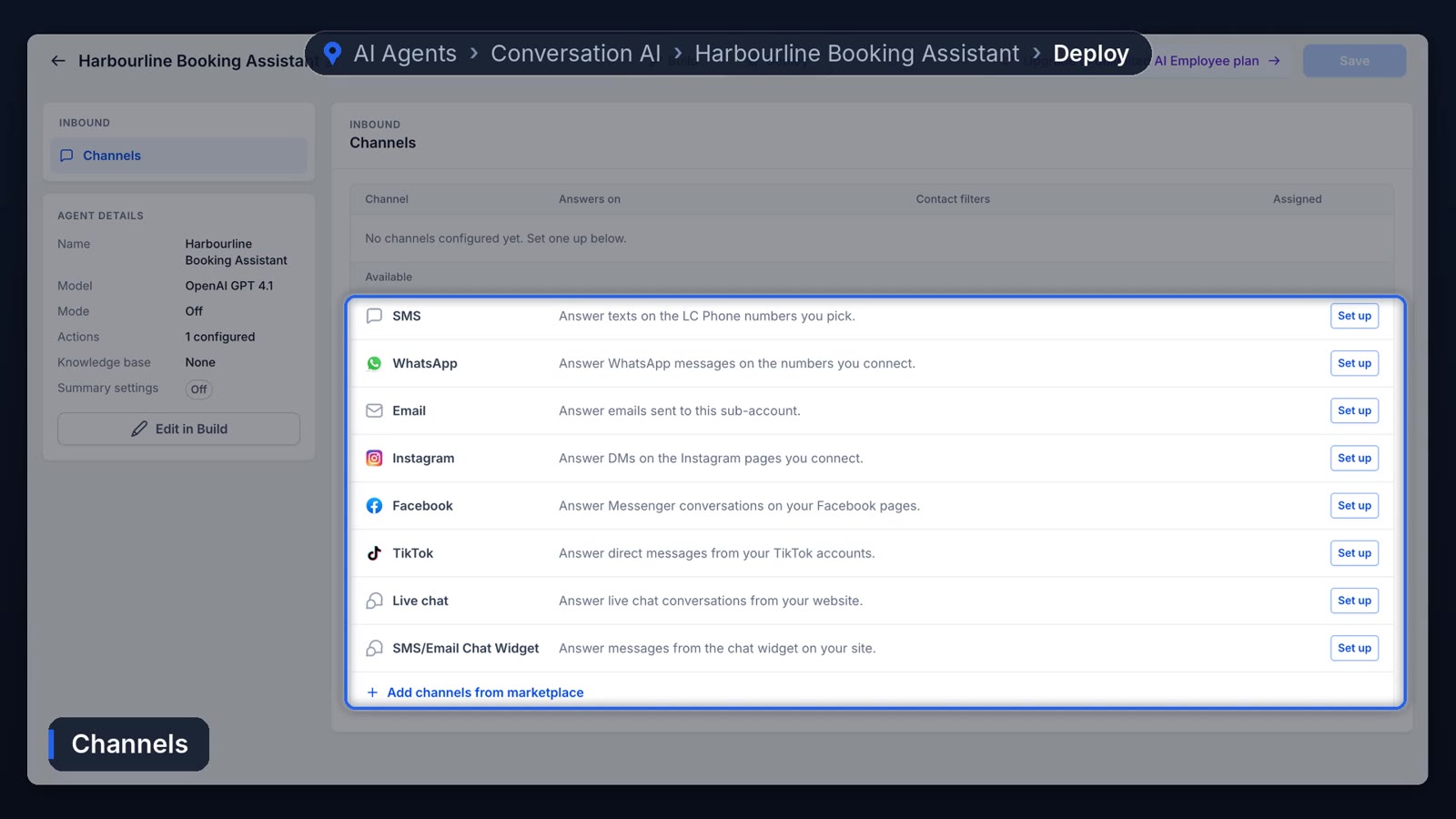
Switch to the Deploy tab and click Setup on each channel you want: SMS, WhatsApp, email, Facebook, Instagram, TikTok, live chat and the website chat widget. You can add contact filters so it only answers new leads and leaves regular customers to your team.
What does Conversation AI cost?
Usage is billed per AI-generated message, and the rate has changed over time, so check the current number in HighLevel's Auto-Pilot article before you budget. Training and the test panel are free. In Funl, AI usage comes out of the $20 monthly usage credit included with every account, then pay as you go.
The part that still needs a human
An agent on Auto-Pilot will occasionally answer a question it should have handed off. A pricing question with a lot of "it depends" in it is the usual one. Reading a handful of conversations every week is the only reliable fix we know of. Some weeks there's nothing to change. Some weeks there's a lot.
Conversation AI covers messages. For phone calls, set up Voice AI next. And if you want every new form fill or ad lead texted the second it arrives, the workflow tutorial shows how to wire that up.
Frequently asked questions
What channels does GoHighLevel Conversation AI work on?
SMS, Facebook Messenger, Instagram DMs, website live chat and the chat widget, plus email, WhatsApp and TikTok where those are connected.
Can Conversation AI book appointments?
Yes. Add the Appointment Booking action and pick a calendar. It offers real open times and books during the chat.
Should I use Suggestive or Auto-Pilot mode?
Use Suggestive for the first one to two weeks so you can review every reply, then switch to Auto-Pilot.
How do I stop the bot replying when my team takes over?
Turn on Send bot to sleep for manual messages. The bot pauses in that conversation as soon as someone on your team sends a message.
Funl is built on HighLevel. Links to HighLevel are referral links, so we may earn a commission if you sign up.